
Sådan opsætter du STB EMU-appen
: Nedenfor er en grundlæggende opsætning af STB EMU, som burde fungere med de fleste IPTV-udbydere.
Ting der skulle til
… IPTV-servicepakke:
… Portal-URL: dette er et link, som IPTV vil give dig.
… MAC-adresse: Dette kan tages fra en anden boks, eller de fleste IPTV-udbydere vil give dig en, når du bliver bedt om det.
1… Første gang den starter, kommer der en boks op, klik på Konfigurér Applikation.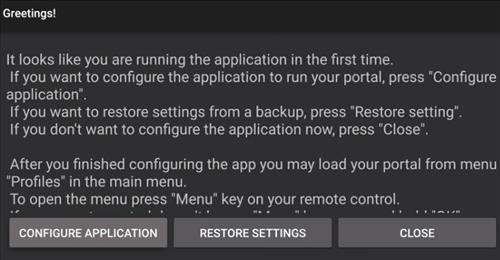
2… Indstillingssiden vil dukke op, gå til Profiler.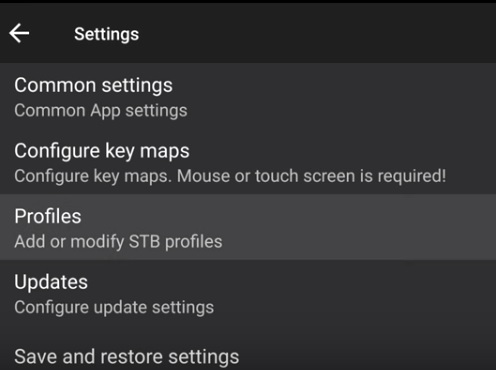
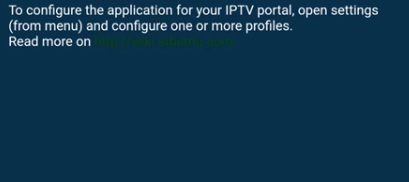
Hvis skærmen kommer op sådan, klik øverst til højre på skærmen og gå til indstillinger.
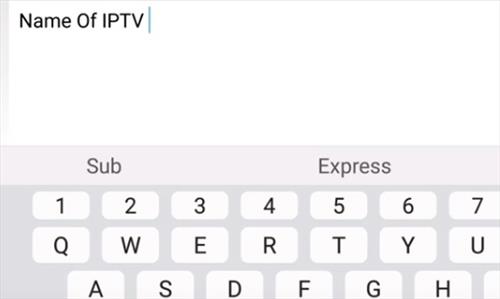
3… Gå til Profilnavn
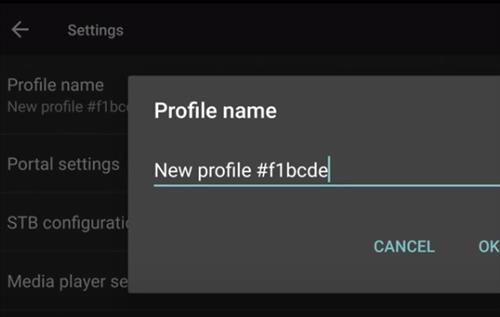
4… Skift navnet til den IPTV-udbyder, du bruger.
5… Gå derefter til Portalindstillinger
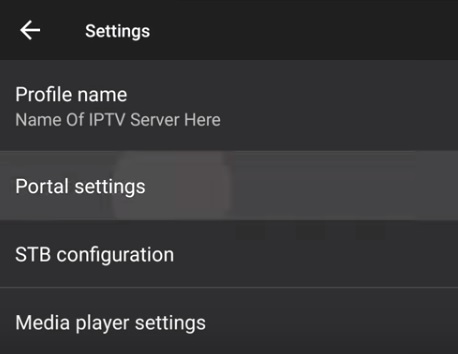
6… Klik på Portal URL
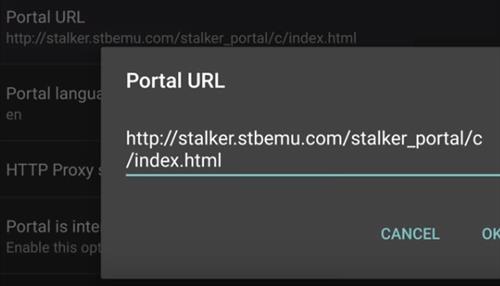
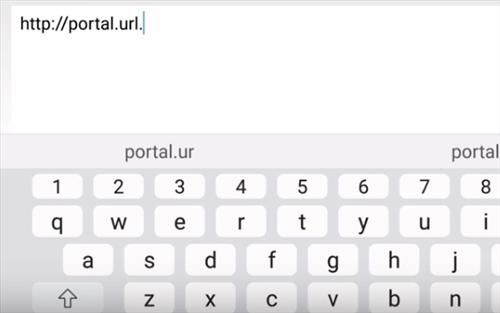
7… Hver IPTV-tjeneste vil have en unik portal-URL, der skal indtastes. Indtast det her.
8… Gå derefter til STB Konfiguration
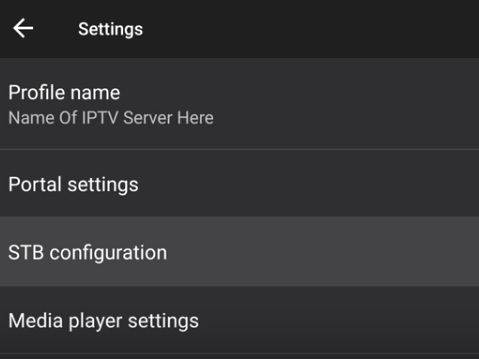
9… Vælg STB Model
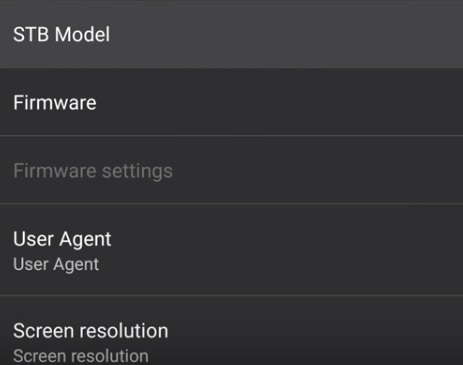
10… Vælg MAG-boksen Version for at emulere. MAG-boksens kompatibilitet vil også være fra din IPTV-udbyder. Hvis du er i tvivl, vælg MAG 254, da den har bred kompatibilitet.
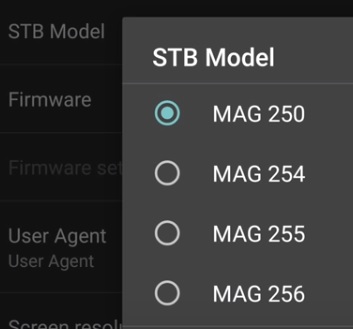
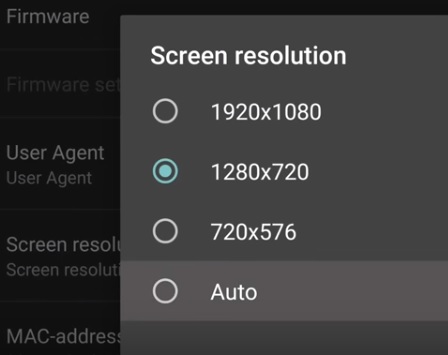
11… Vælg Skærmopløsning
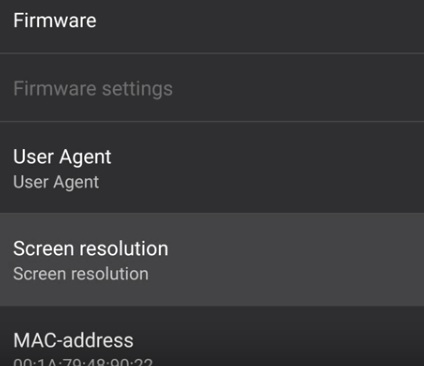
12… Sæt skærmopløsningen til Auto, medmindre du er sikker på dit TV’s opløsning.
13… Næste: Vælg MAC-adresse
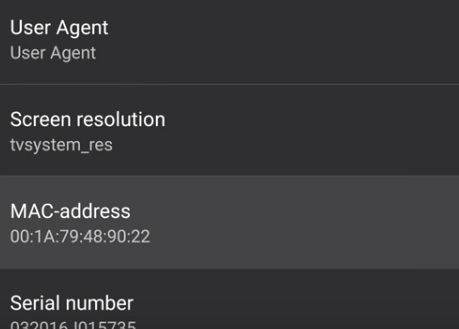
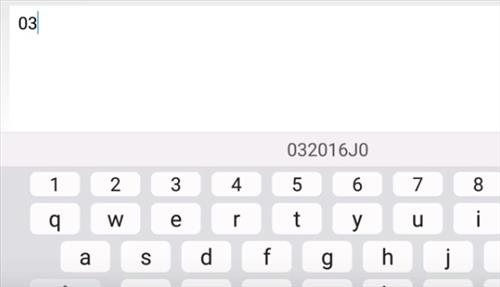
14… Indtast din unikke MAC-adresse. Dette kan tages fra en anden boks, eller IPTV-tjenesten kan give dig en.
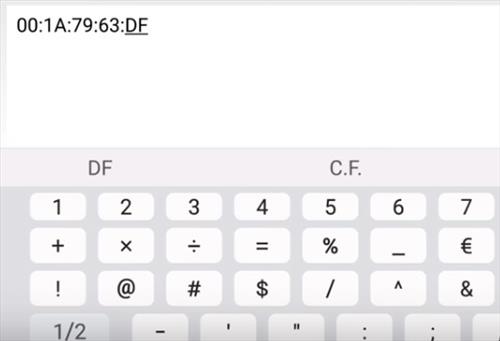
15… Klik på serienummer
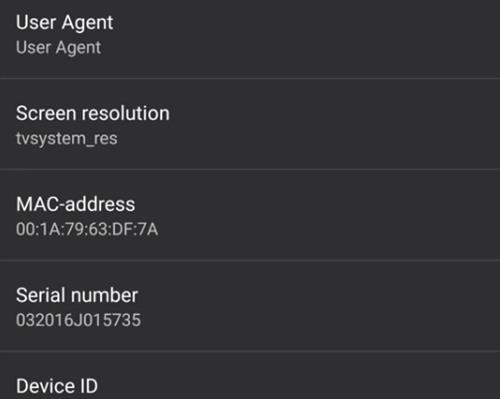
16… Det er valgfrit, men jeg kan godt lide at slette serienummeret, så IPTV’et ikke er bundet til boksen og kan bruges på en anden enhed.
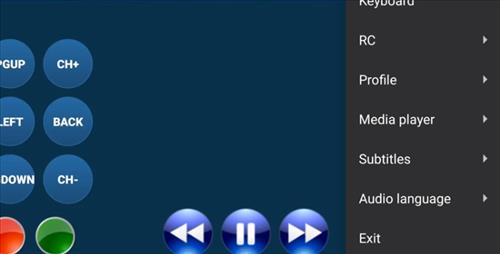
17… På dette tidspunkt klikker du ud og FORLADER
18… Genåbner STB EMU, hvilket kan tage et par minutter at indlæse de nye indstillinger.
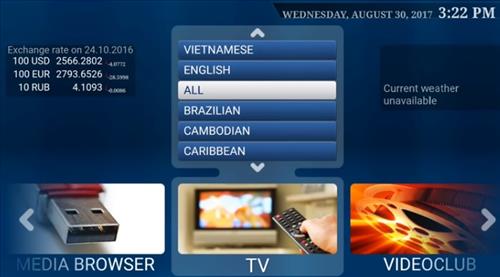
På dette tidspunkt burde den være klar til at streame videoer.
How To Setup STB EMU App
Below is a basic setup of STB EMU and should work with most IPTV providers.
Things needed
… IPTV Service Package:
… Portal URL: this is a link the IPTV will give you.
… MAC Address: This can be taken from another box or most all IPTV provider will give you one when asked for.
1… The first time it starts a box will come up click on Configure Application.
2… The Settings page will come up go to Profiles.
If the screen comes up like this click the top right of the screen and go to settings.
3… Go to Profile Name
4… Change the name to the IPTV Provider you are using.
5… Next go to Portal Settings
6… Click on Portal URL
7… Each IPTV service will have a unique Portal URL that needs to be entered. Enter that in here.
8… Next go to STB Configuration
9… Select STB Model
10… Select the MAG box Version to Emulate. The MAG box compatibility will also be from your IPTV provider. If in doubt select MAG 254 as it has wide compatibility.
11… Select Screen Resolution
12… Set the screen resolution to Auto unless you are sure about you TVs resolution.
13… Next Select MAC address
14… Enter your unique MAC address. This can be taken from another box or the IPTV service can give you one.
15… Click on Serial Number
16… This is optional but I like to erase the serial number so the IPTV is not tied to the box and can be used on anther device.
17… At this point click out and EXIT
18… Reopen STB EMU which may take a few minutes to load up the new settings.
At this point it should be ready to stream videos.