
Installer IPTV på din Android-smartphone, BOX og TV (DolphStream egen App)
- Download appen her til din USB-stick
- Installerer App med filhåndtering på boksen
- Følg så disse anvisninger
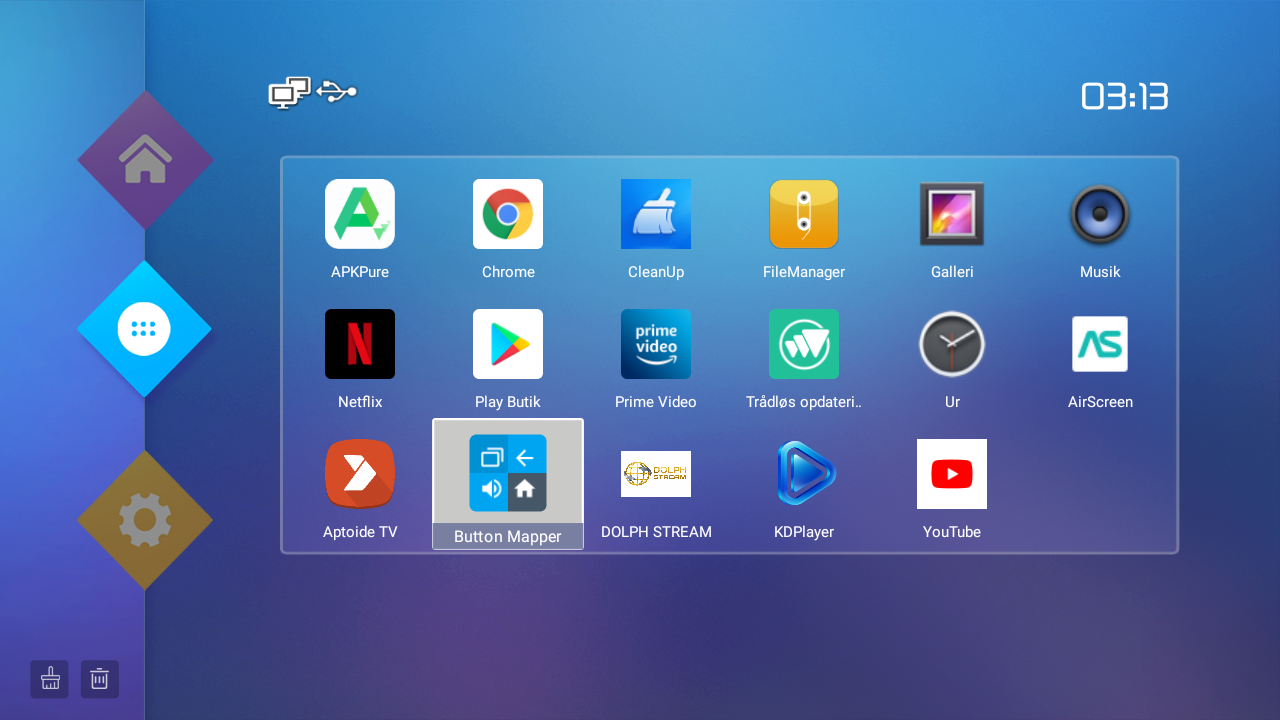
Start med at vælge Dolph Stream App og åben den
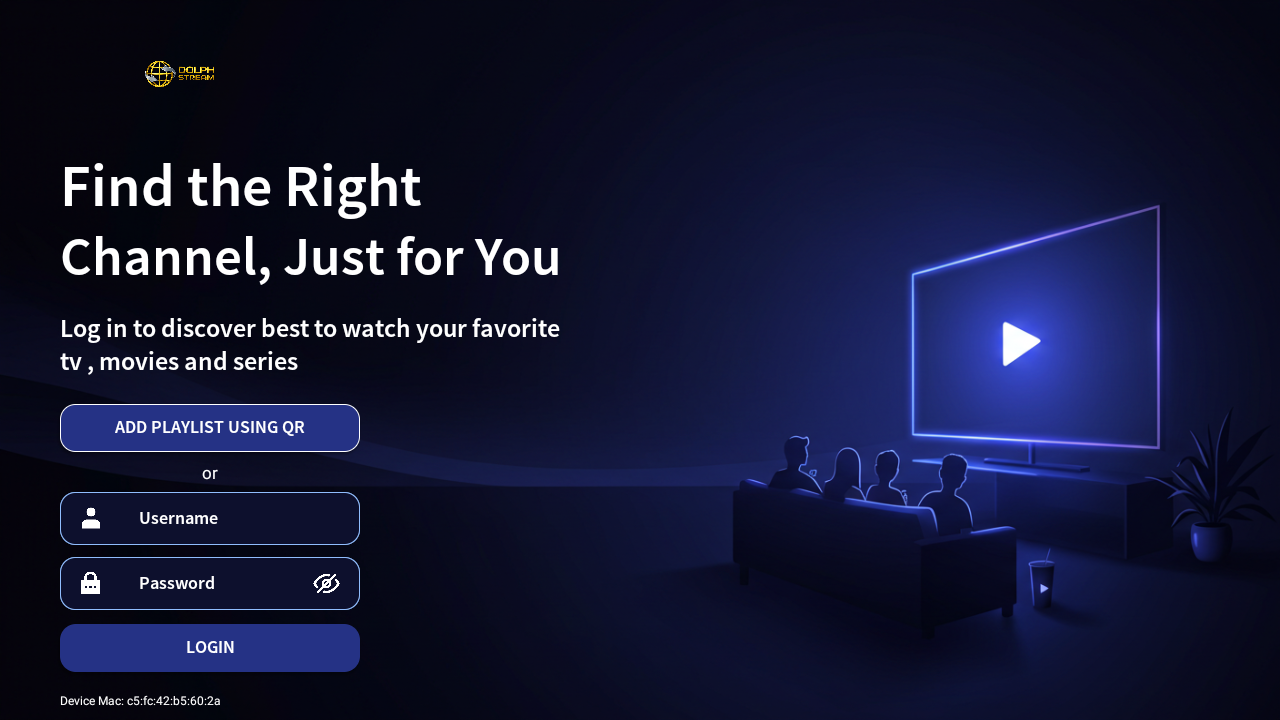
I dette vindue indtaster du username og password som du harmodtaget fra os og vælger login
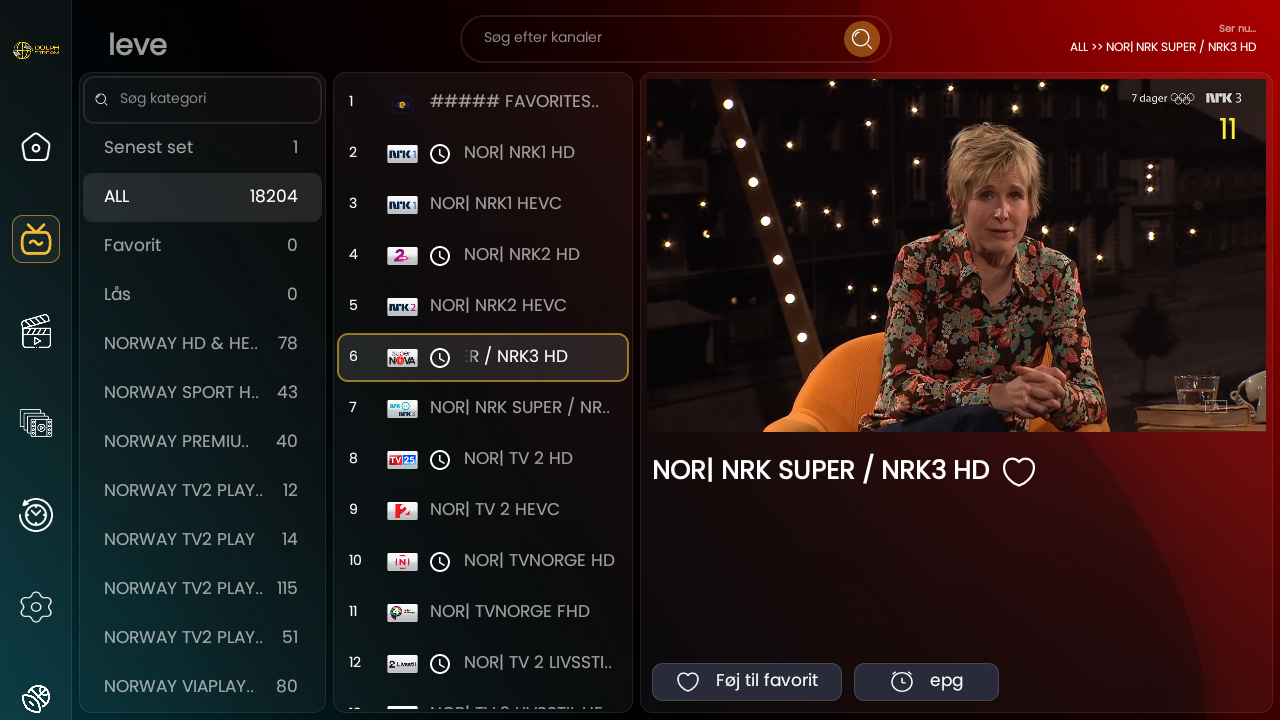
Så giver ud lige playlisten navn, og trykker gem så begynder appen af loade portalen

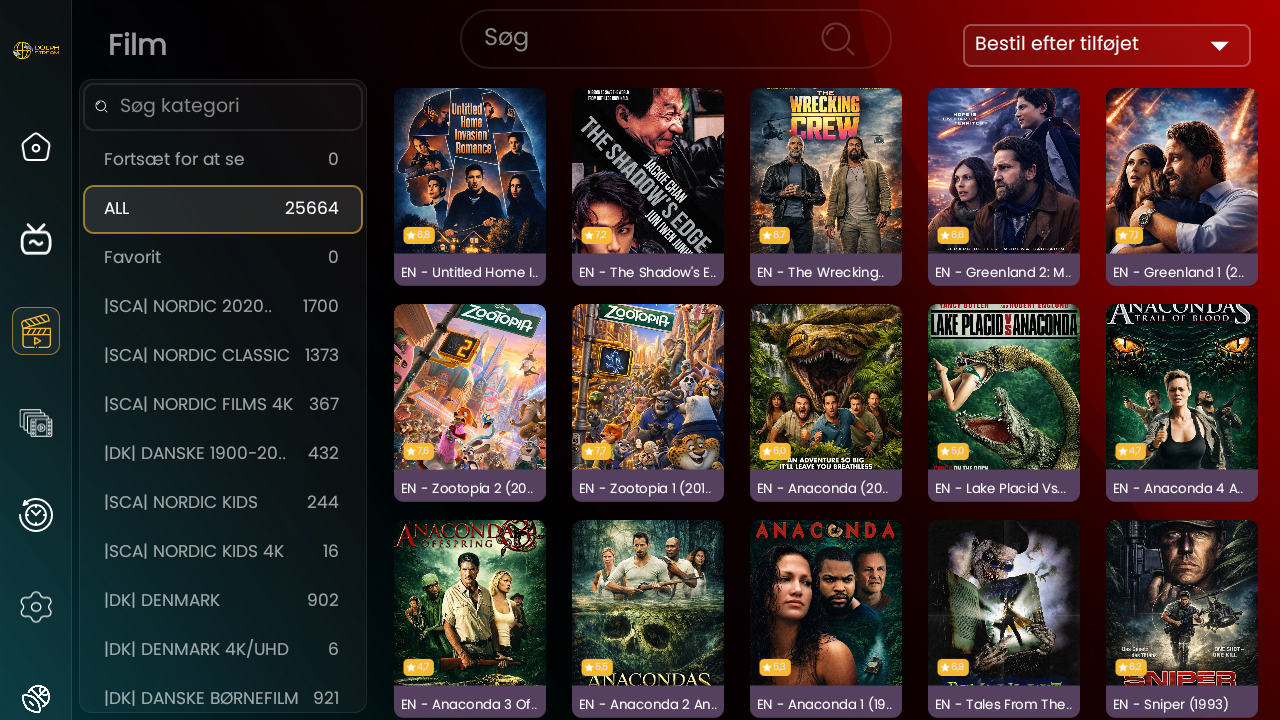
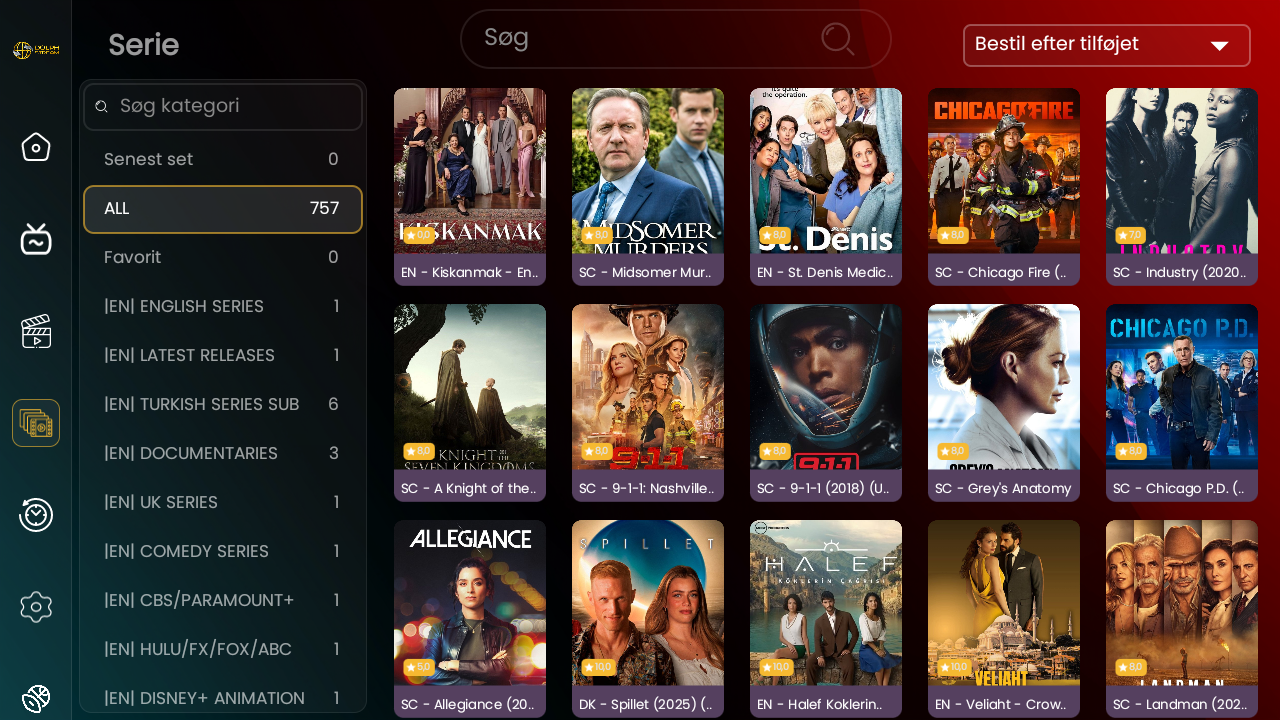
Her kan du vælge tv – film – serier
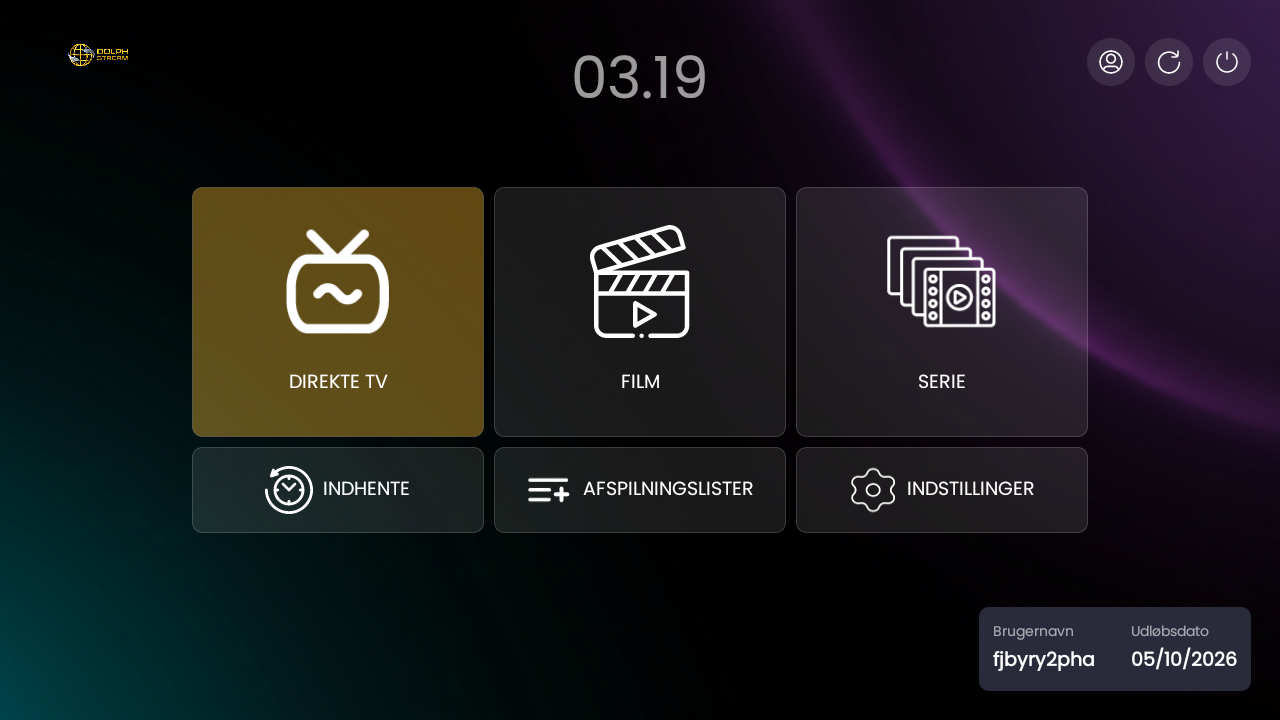
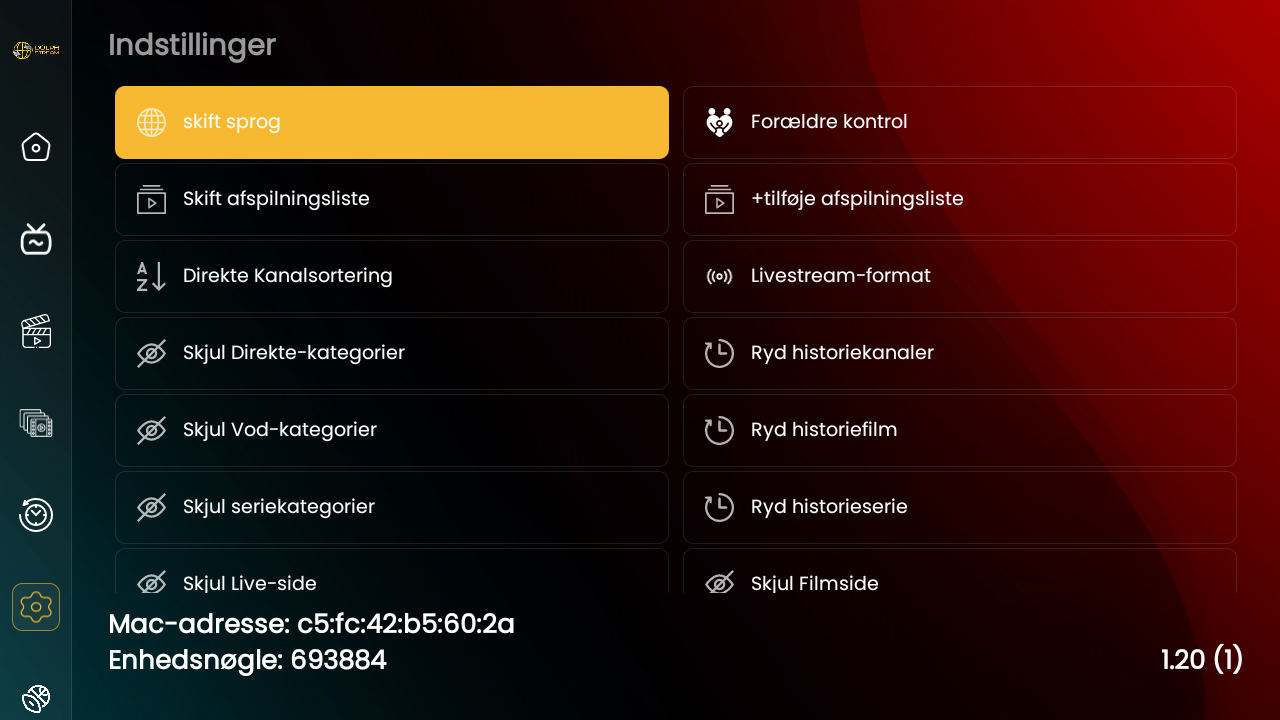
Så er appen installeret med playliste og klar til brug
Install IPTV on your Android-smartphone, BOX og TV (DolphStream OWN App)
- Download the app to your USB-stick
- Install App with filmanager on your Iptv box
- Follow the guidelines
Start by select Dolph Stream App and open it
In this window, you enter the username and password that you have received from us and select login
Then give the playlist a name, press save and the app will start loading the portal
Here you can choose TV – movies – series
Then the app is installed with playlist and ready to use